- 60K
- Global Creators
- 100K+
- Generated Content
- 29
- Supported Languages
- 8x
- Faster Than Human
How It Works
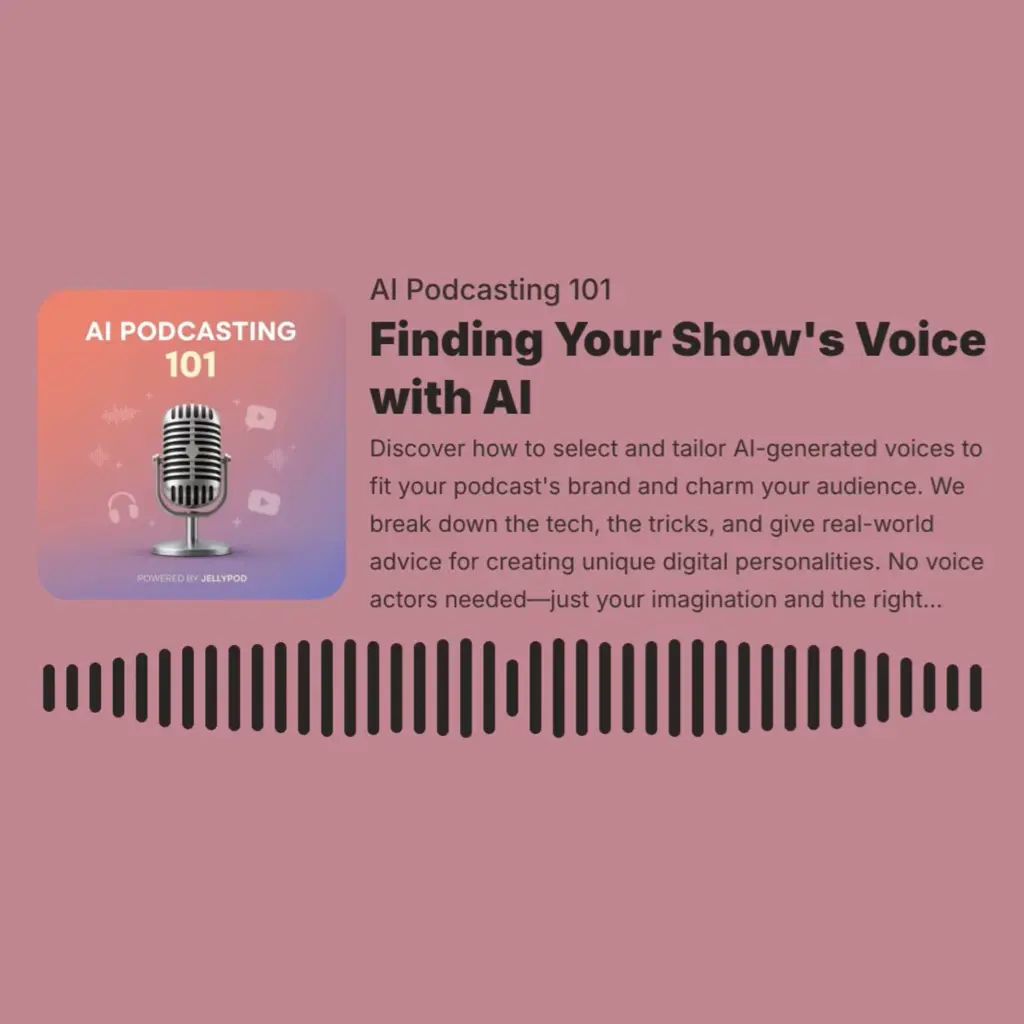
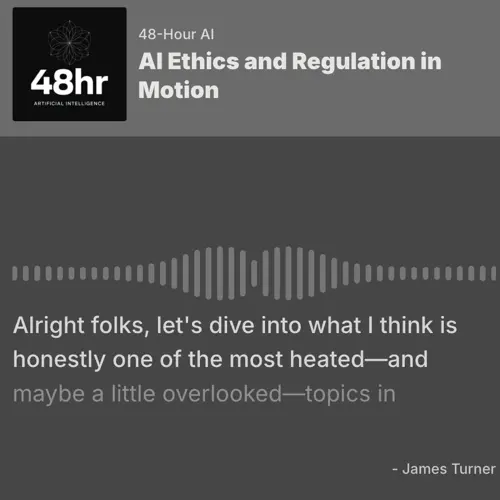
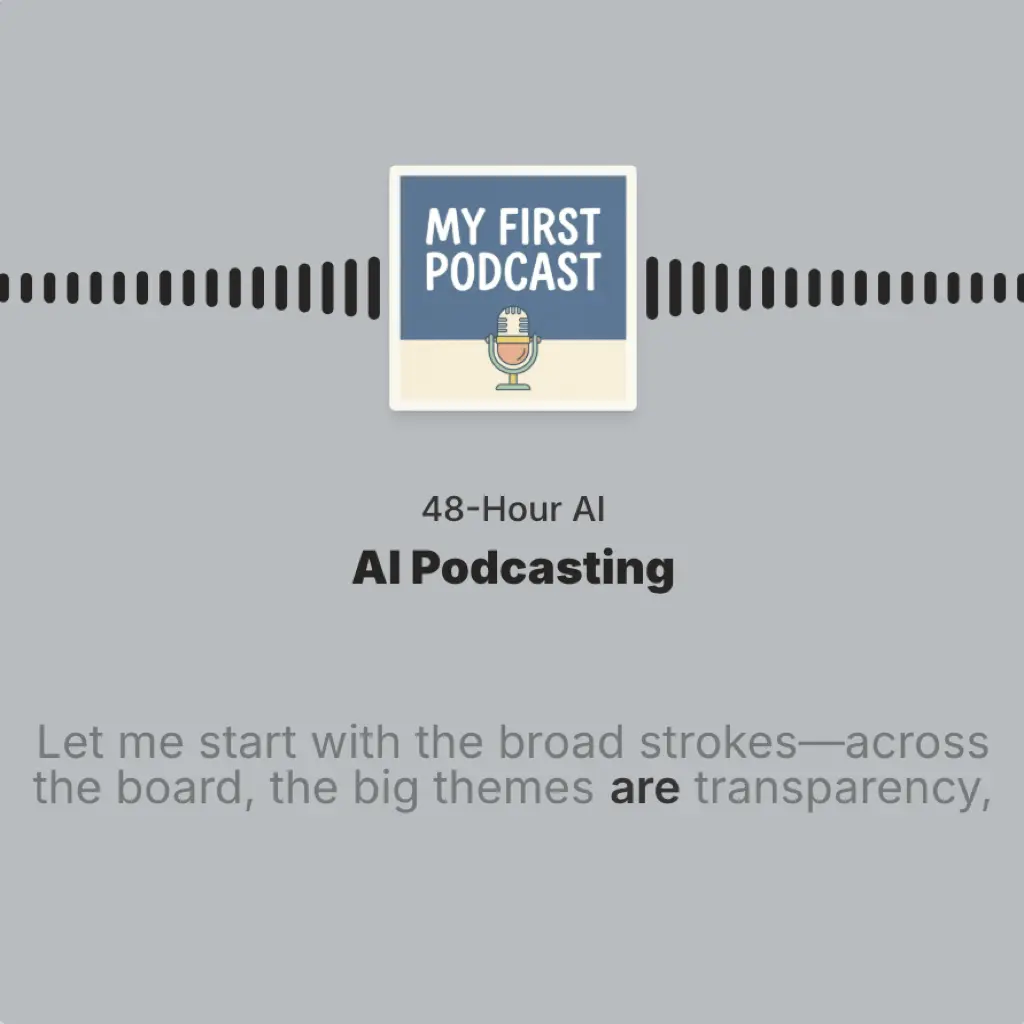
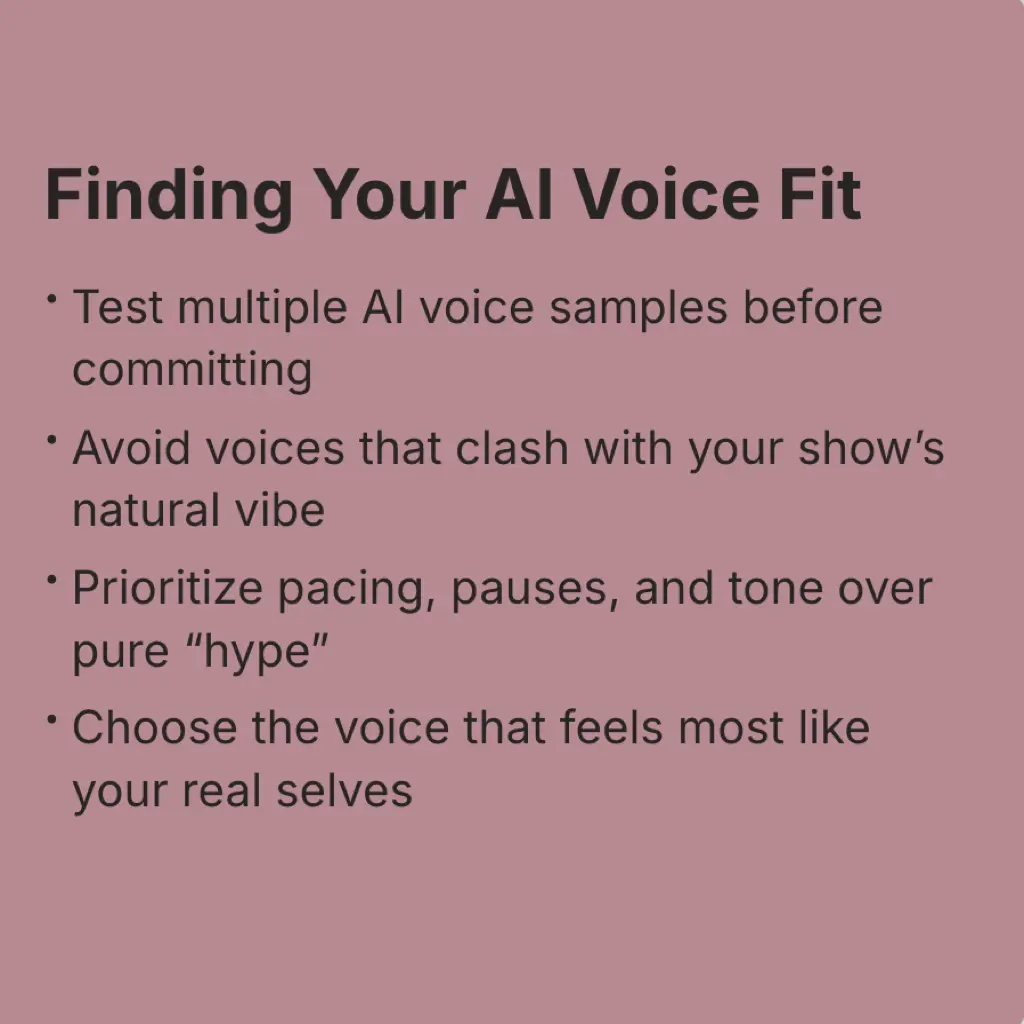
You already have an AI podcast - now creating short clips from your episodes is a click away. Once your episode is generated, just click 'Create Clip' and you'll be able to export the best moments as a video clip. Review the suggestions or manually select any segment you'd like to export. Choose your target platform orientation (landscape, portrait, or square), then export. In seconds, you'll have a polished, platform-optimized clip ready to share across your social channels or embed in email campaigns.
Simple, powerful, effective.
An all-in-one podcasting platform that shrinks the creation process down from days to just minutes.
Export Clips in Any Orientation
Clips are perfectly sized for every platform. Portrait 9:16 for TikTok and Reels, square 1:1 for Instagram posts and email, or widescreen 16:9 for YouTube or LinkedIn.
Branded Clips
Customize your clips just as you would your full-length podcast episode. You can even clip your Magic Video episodes!
Captivating Captions
Keep viewers hooked with animated, fully customizable captions that are perfectly synced to your audio. Essential for silent scrollers and driving engagement.
Built for every creator.
We've helped thousands of businesses reach new audiences, transforming their existing content into fully editable conversations with full creative control.
Social Media Marketing
Turn a single 30-minute episode into a month of social content. Extract multiple clips to maintain a consistent posting schedule across all your platforms.
Email Campaigns
Embed short audio or video clips directly into your newsletters to boost engagement and drive traffic back to your full episodes.
Podcast Promotion
Build anticipation for new episodes with teaser clips that highlight the most compelling moments and drive listeners to subscribe.
Content Repurposing
Maximize the value of every episode by extracting clips for LinkedIn posts, Twitter threads, YouTube Shorts, and beyond.
Customer Stories
Trusted by industry leaders

"It makes creating easier and gives me back more time. It's just brilliant."
Llew Jury
SEO Pioneer, VC, and Entrepreneur

"You just dump in your information and structure your podcast. It was the easiest thing I've ever done."
Dr. Louise Lambert
Associate Professor, Psychologist

"[My podcast] was downloaded so many times… people were hungry for information from a real psychiatrist."
Dr. Muhamad Aly Rifai
Physician, CEO of Blue Mountain Psychiatry

"Jellypod gave us the creative control we needed and the authenticity our artists deserved."
Steve Bradshaw
Executive Director, Covation Center
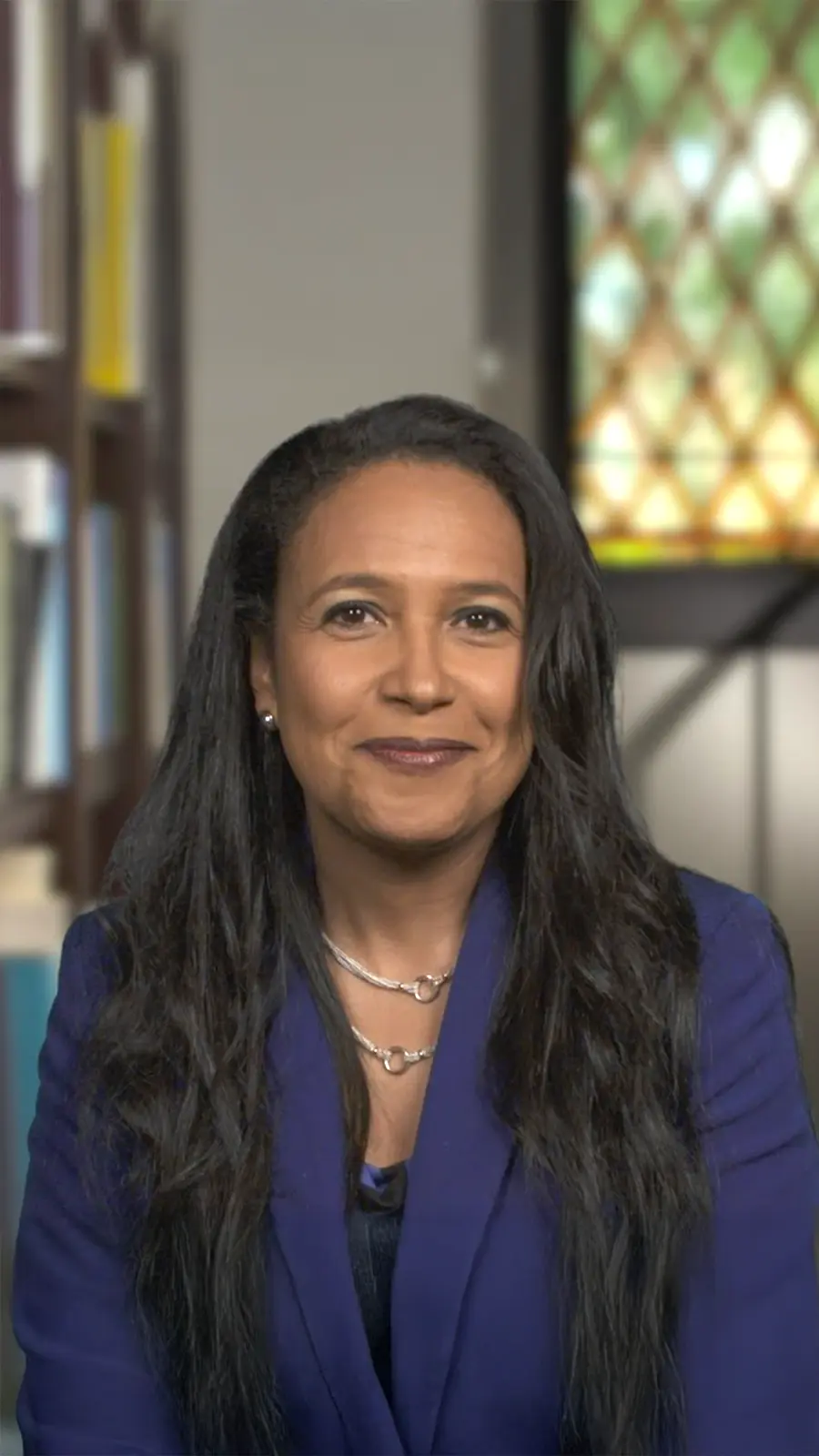
"It's a digital version of myself and a way to amplify [my voice] without having to hire another employee."
Boi Carpenter
VP Alumni Relations, Johns Hopkins University
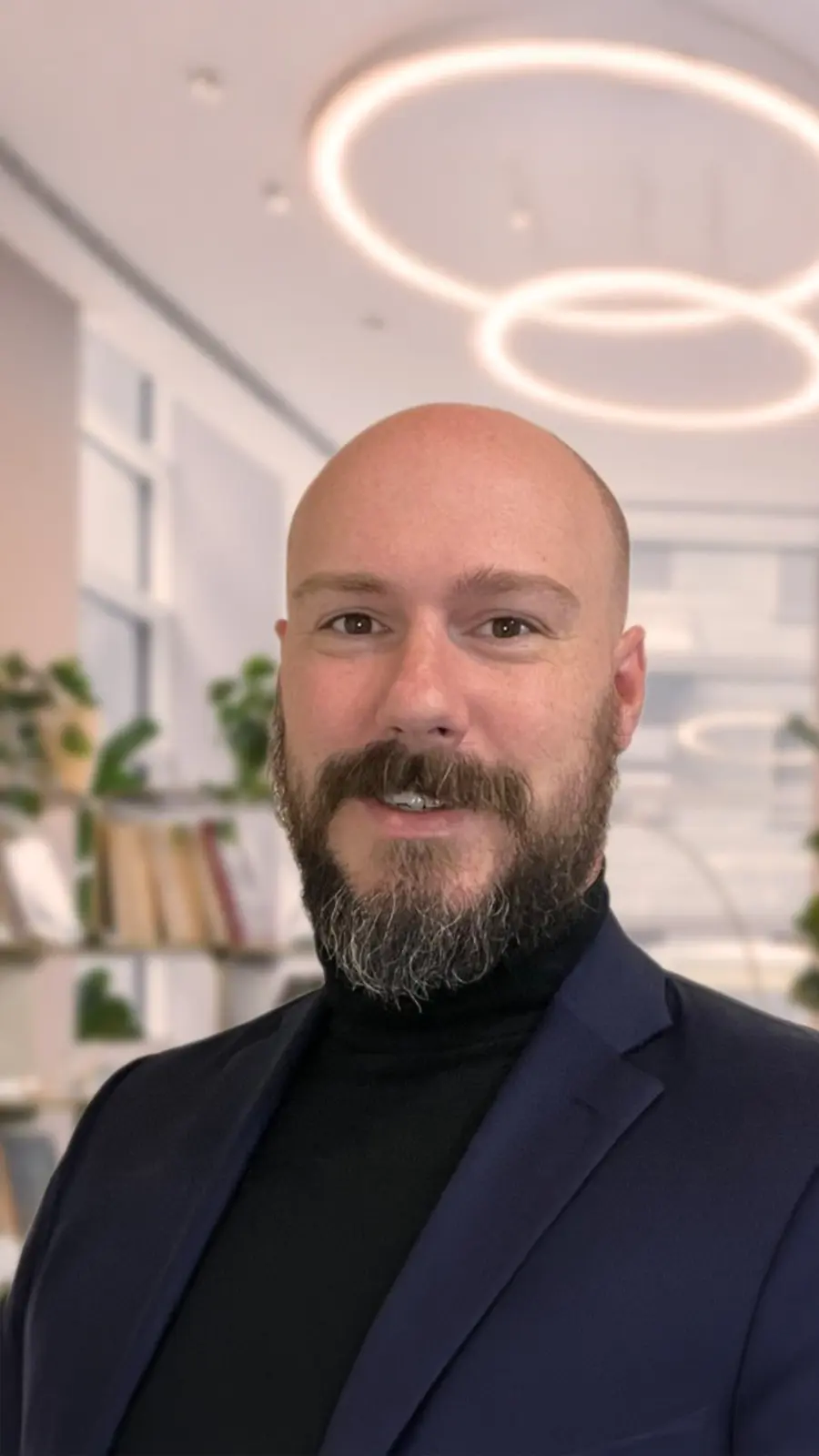
"Jellypod is the complete package to create a podcast for yourself or your company."
Kegan Rivers
SVP of Marketing, 3 Rivers Energy Partners
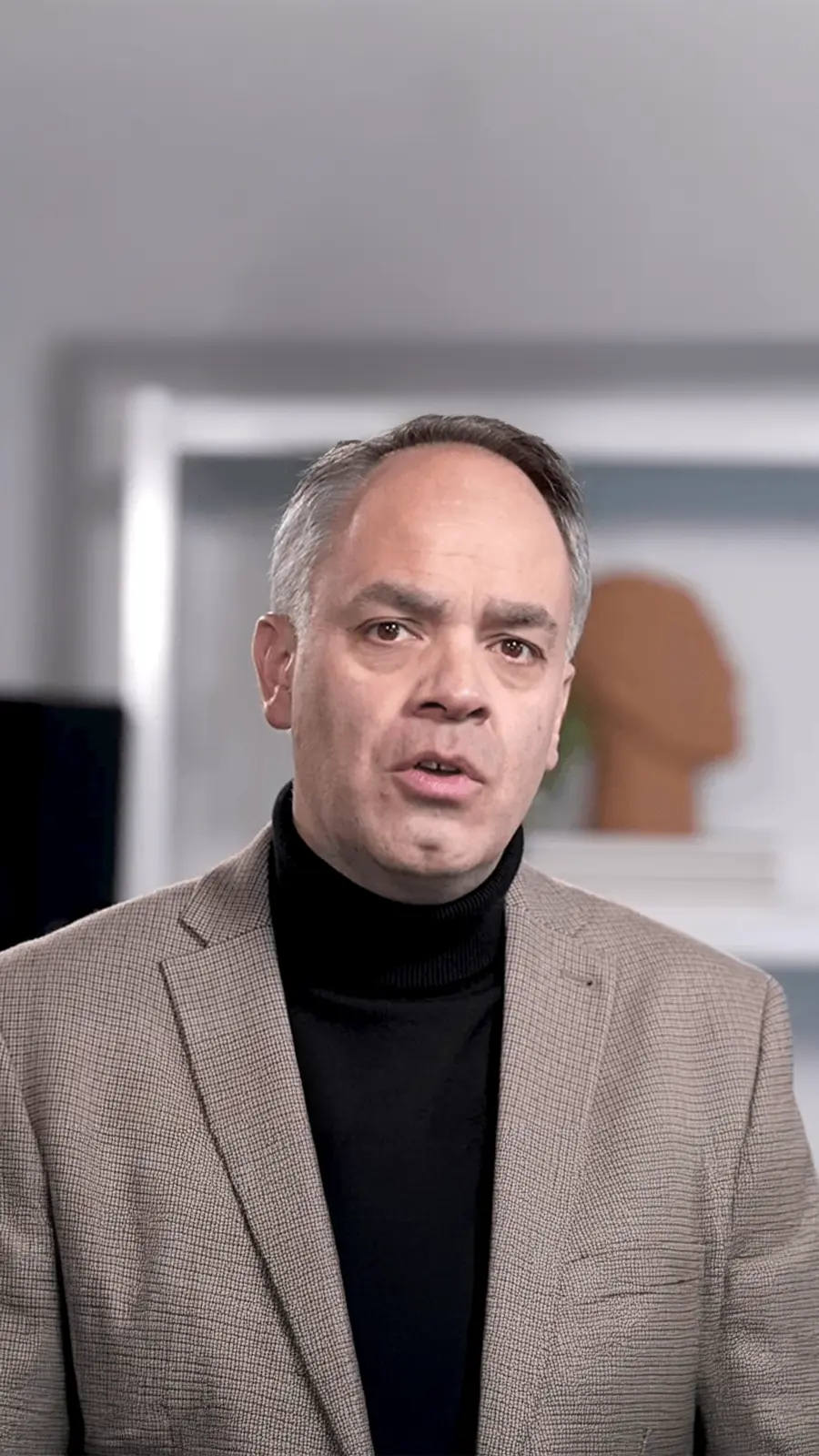
"It enables us to make podcasts of peer-reviewed medical papers that nobody, until now, was going to read."
Kris Vanhaecht
Professor of Medicine, KU Leuven

"Podcasting has been around for a number of years, but its never been so easily available."
Chris Montesinos
Economic Director, Chattahoochee Hills, Georgia
Frequently asked questions